Create Beautiful App
Icons with Ease
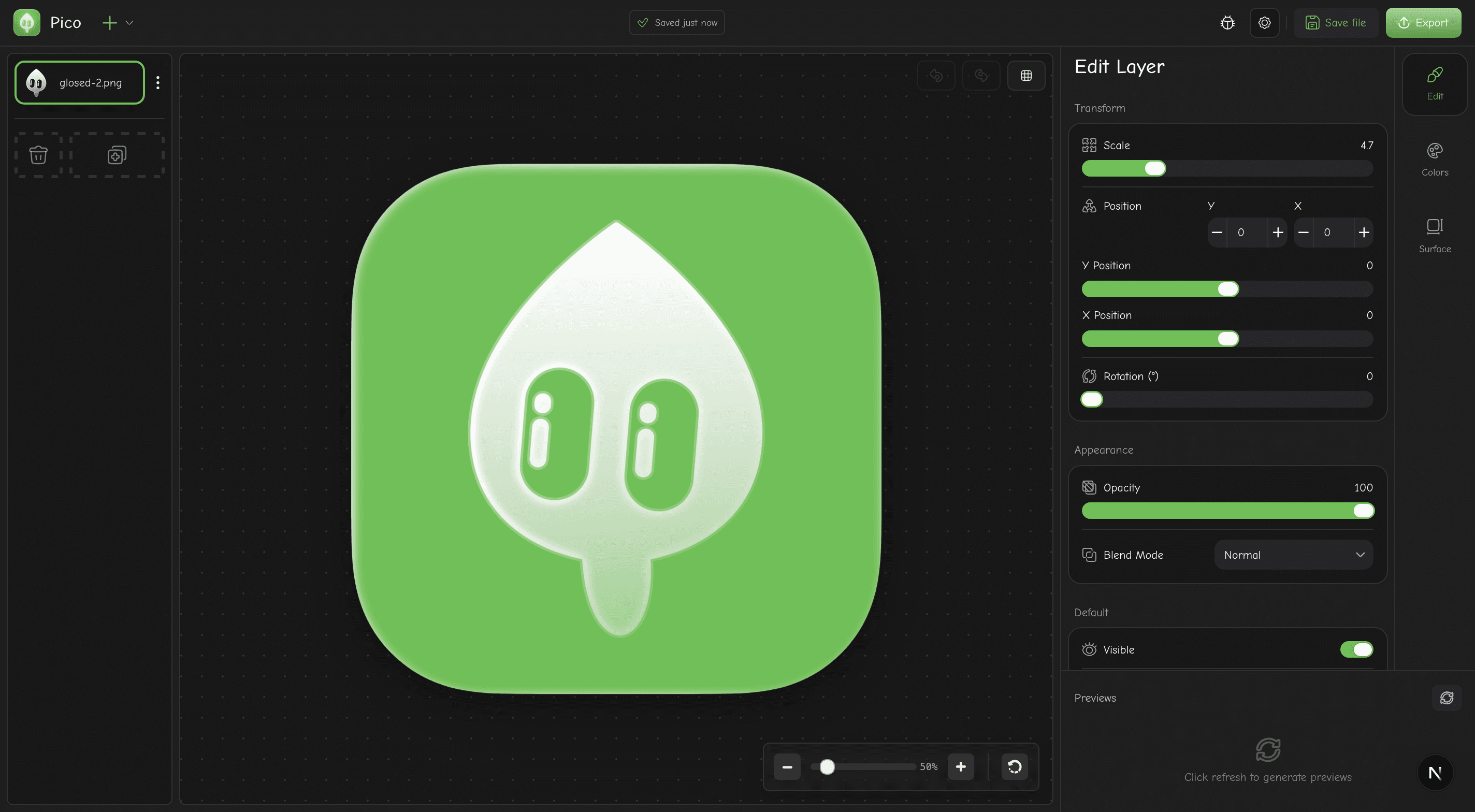
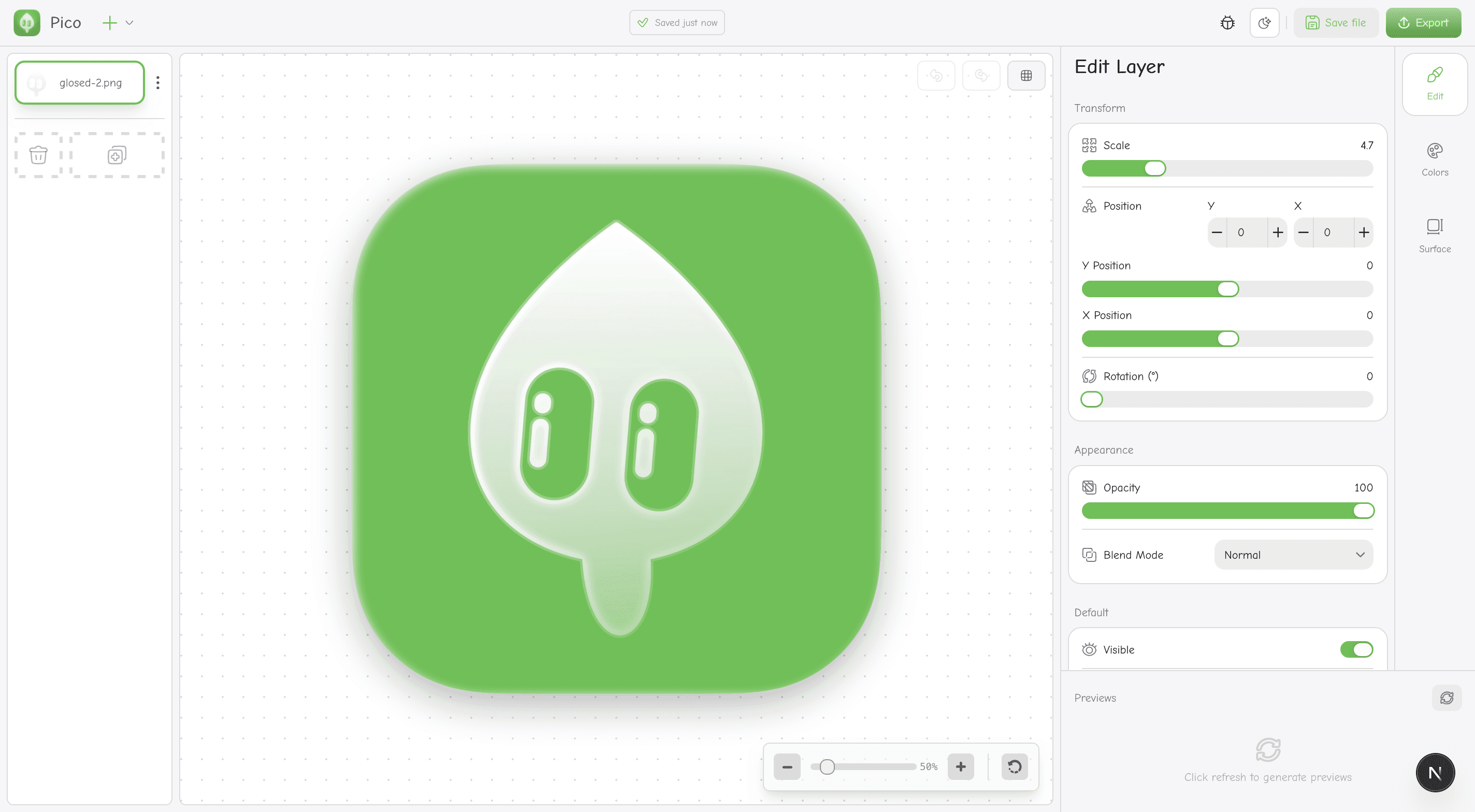
Professional icon editor with layer-based editing, real-time preview, and one-click export for iOS and Android.
No signup required
Everything You Need
Powerful tools wrapped in a beautiful, easy-to-use interface.
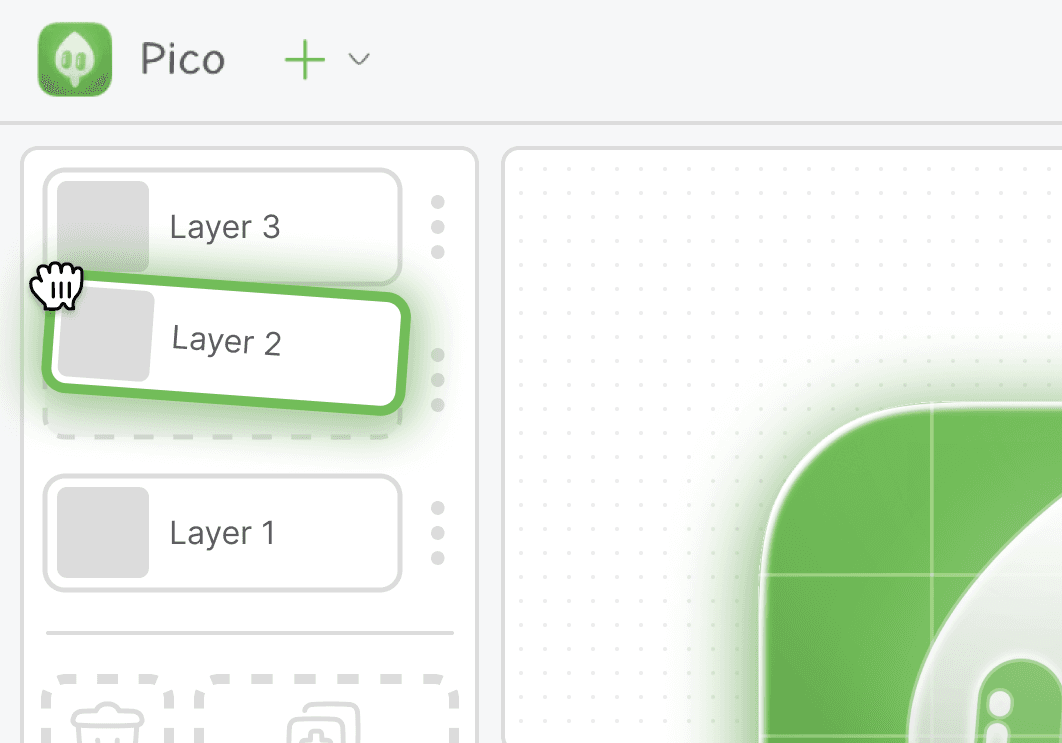
Layer-Based Editing
Create complex icons with independent layers. Each layer has its own transforms, effects, and blend modes.
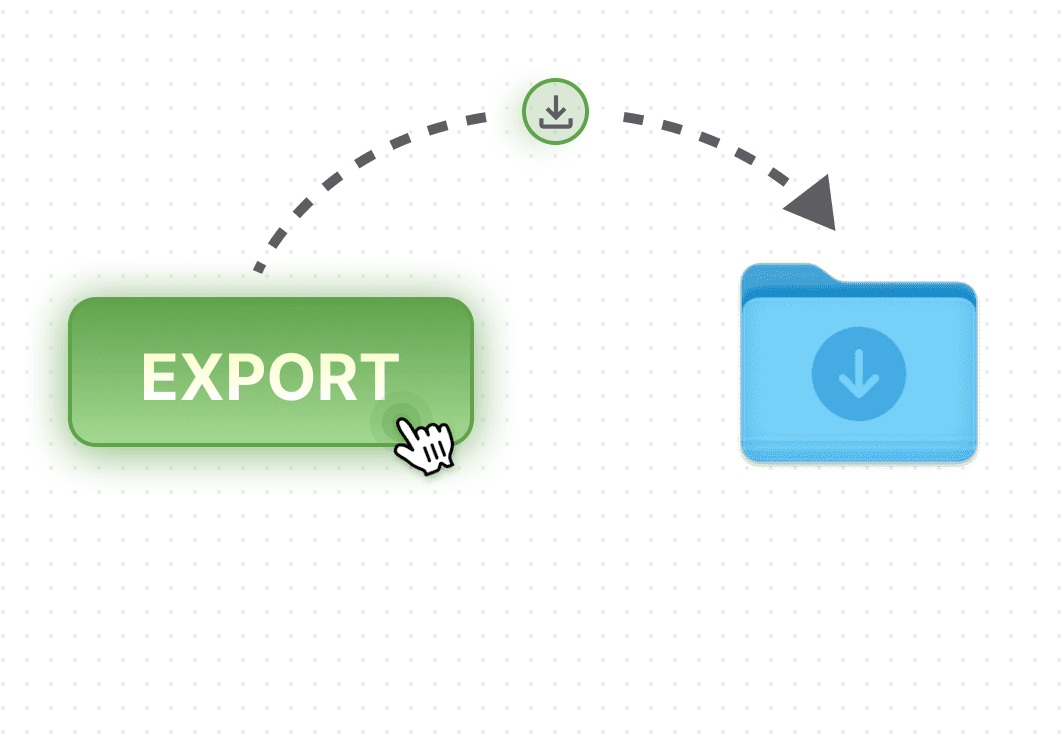
One-Click Export
Export all required sizes and formats instantly with just one click, so easy, too powerful.
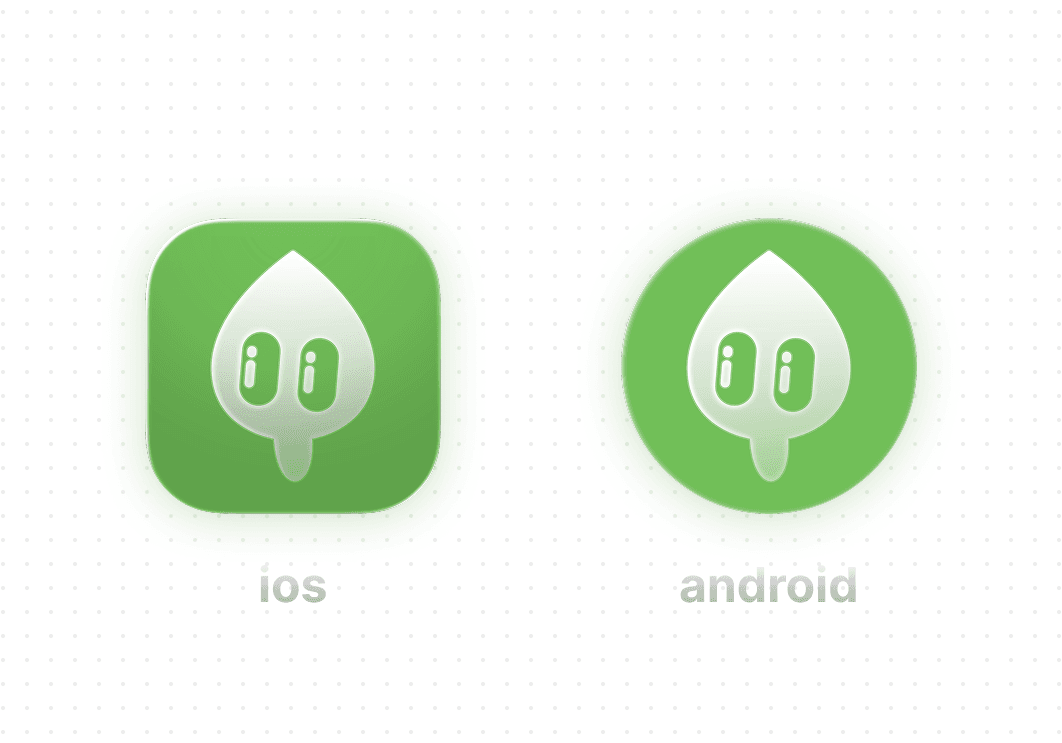
Result Preview
Preview your icon in ios and anroid styles before export it.
How It Works
Go from idea to icon in four simple steps.
Upload Your Assets
Import SVGs, images, or start with built-in shapes. Drag and drop supported.
Compose Layers
Arrange layers on the canvas. Transform, rotate, and scale elements independently.
Apply Effects
Add shadows, gradients, noise textures, and fine-tune every detail.
Export & Ship
Download all required sizes for iOS and Android. App-store ready.
Create Icons Like These
Pixel-perfect icons that look great on any device.
.png&w=256&q=75)
.png&w=256&q=75)
.png&w=256&q=75)
.png&w=256&q=75)
.png&w=256&q=75)
.png&w=256&q=75)

Our Growing Community
These amazing people help keep Pico free, ad-free, and growing. Thank you! 💚
Be the First Seed Planter! 🌱
Our supporter wall is waiting for its first names. Your support helps Pico grow and flourish.
Help Us Grow 🌱
Pico is free, no ads, no subscriptions. Your support helps us continue growing.